Photos & Graphics
Your choice of photos is maybe more important than you realize when crafting your website. Not only is a “picture’s worth a thousand words,” but you also want to make sure that the quality and quantity of photos reflect the type and vibe of your business.
What photos should you use for your website?
PHOTOS OF YOU
Even if you business isn’t directly related to you (like it might be if you’re a professional, coach, lifestyle brand, influencer, etc.), its always a good idea to have at least a couple of high quality photos of yourself. Even better if these photos show you working in your business and/or showing your personality or interests in some way.
TIP: Don’t want to pay for a professional photo shoot yet? Don’t let that hold you back from launching you blog or business website! Good selfies or headshots taken by a friend are always ok! Natural smiles or expressions are best.
YOUR CUSTOMERS
If you already have testimonials (even from friends and family!), ask them if they can use their pictures. A lot of people may say no, but great if they agree! This adds to your level of “social proof” and ability to be seen as a great website and resource.
YOUR PHOTOS
Especially if your website highlights a creative portfolio of some kind (if you’re an artist, photographer, designer, etc), you should include your own photos, graphics, and prints. But even if you don’t have a visual portfolio, sprinkling in your own photos (relevant landscapes, friends - with their permission!, and pictures and mockups of products, for example) can be a great way to add a level of personality and authenticity to your brand and business.
STOCK PHOTOS
Even websites based around a creative portfolio of some kind can utilize some level of stock photos. Stock photos can be of amazing quality and can actually allow your audience to more easily see themselves or put themselves directly into the experience of your business. Unsplash is a great free resource, for example. Just make absolutely sure you don’t unintentionally violate the image licenses from the stock photos you choose.
A great mix of personal and stock photos can be an effective way to curate your website and visually represent your business.
This “mix” can be website- and business-specific, just make sure to not overdo it on either end!
BONUS TIPS:
Rename your photos as you save/collect them so that Google can “read” exactly what the photo is about when it’s on your website. Bonus points if you can naturally add keywords to these photos (see more about this in SEO section).
Resize your photos. You also want to make sure your photos are the right size file (ideally, less than 500 KB).
Large photo files
1) won’t be able to be uploaded to use on your Squarespace site, or
2) will slow down your website and make it less optimized and attractive to things like Google search.
Sometimes converting PNG files to JPEG can make them a more appropriate size - or you can put your PNG or other large file size photos into a photo compressor software before uploading them to Squarespace.
Some photo compressor sites:
Sites for stock photos:
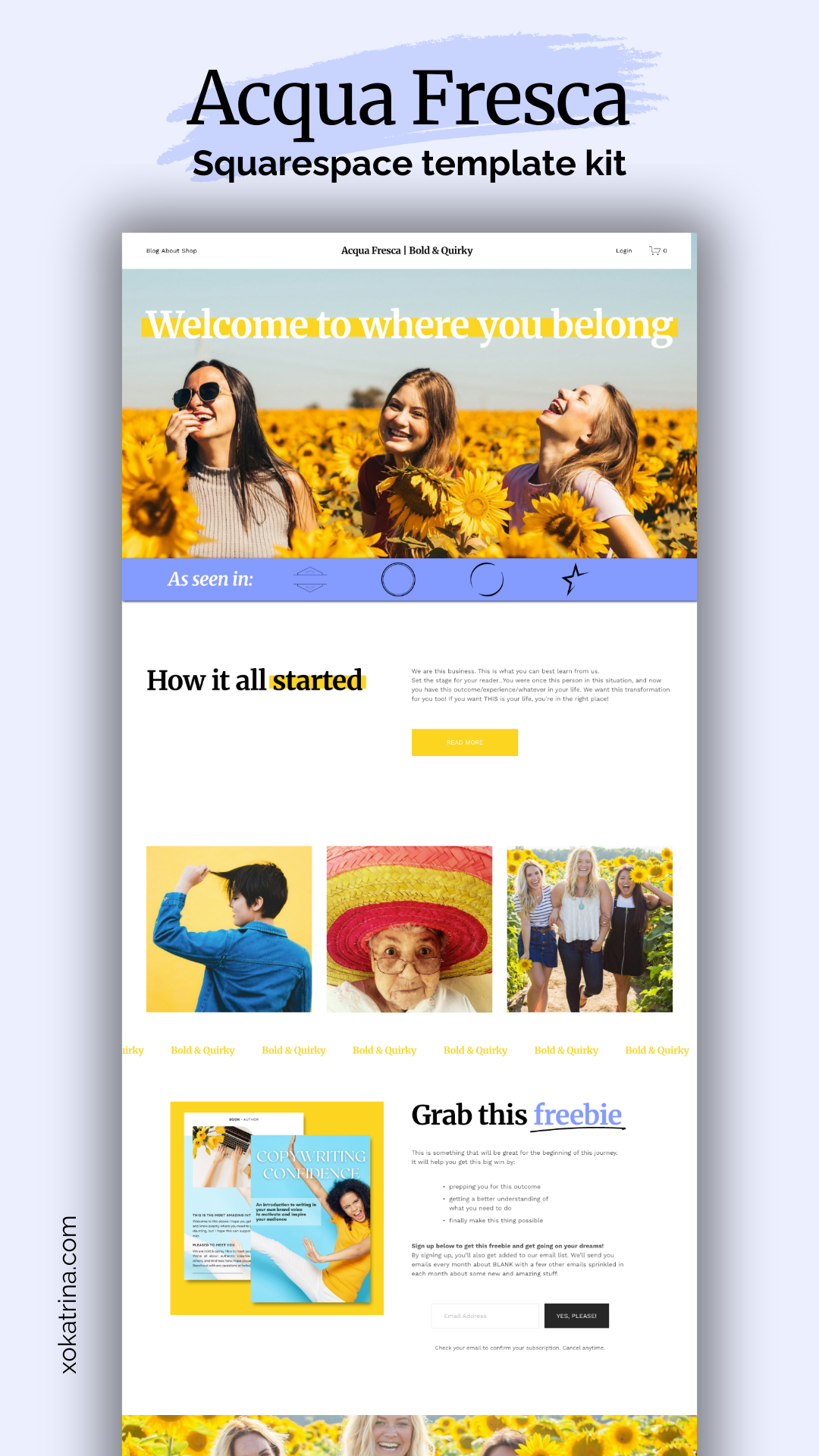
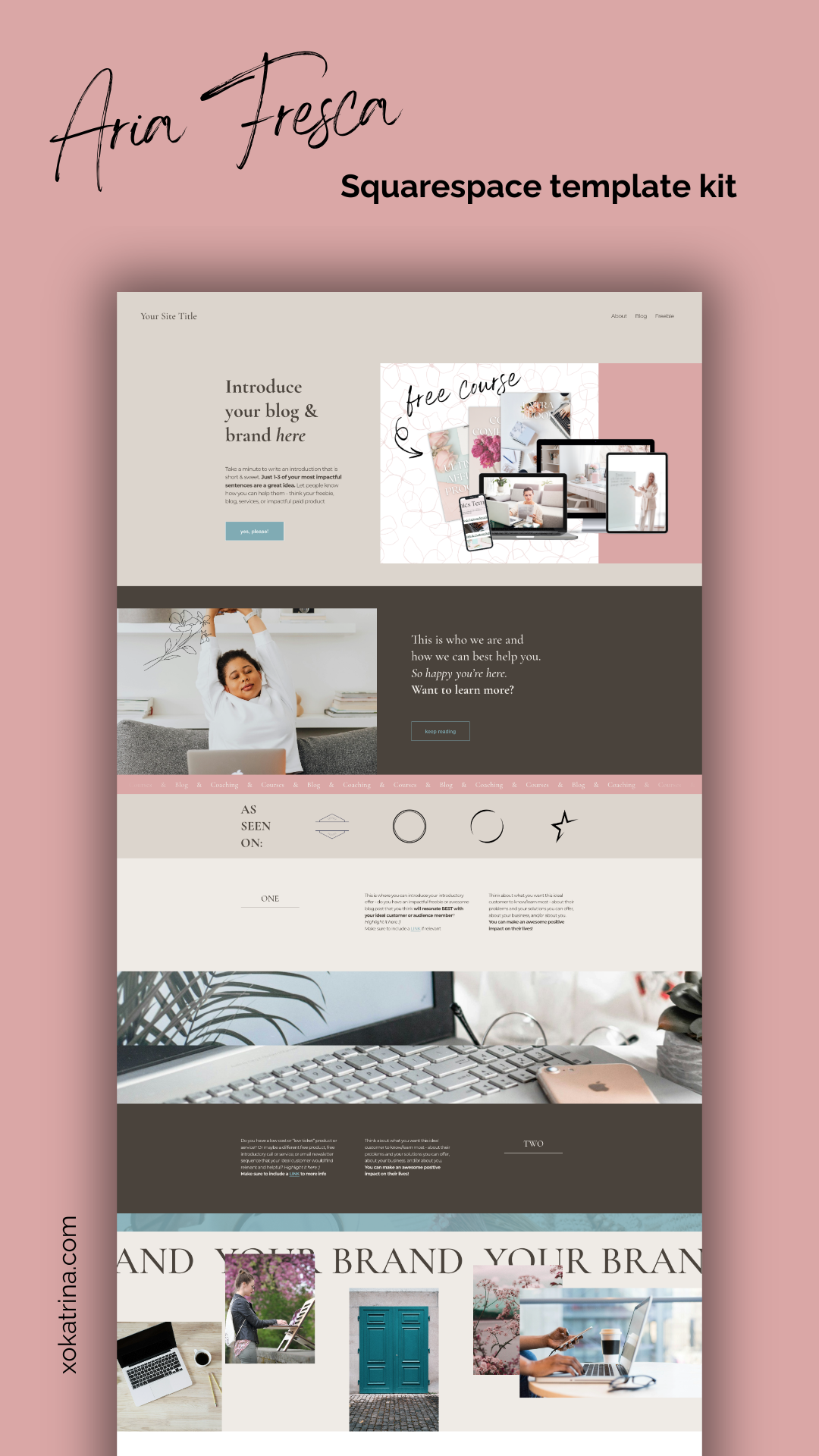
Click each link below to download any or all of the graphics templates used with each website template, as well as additional tools and guides for beautiful photos and graphics.